Channel Partner Blog
14 August 2026
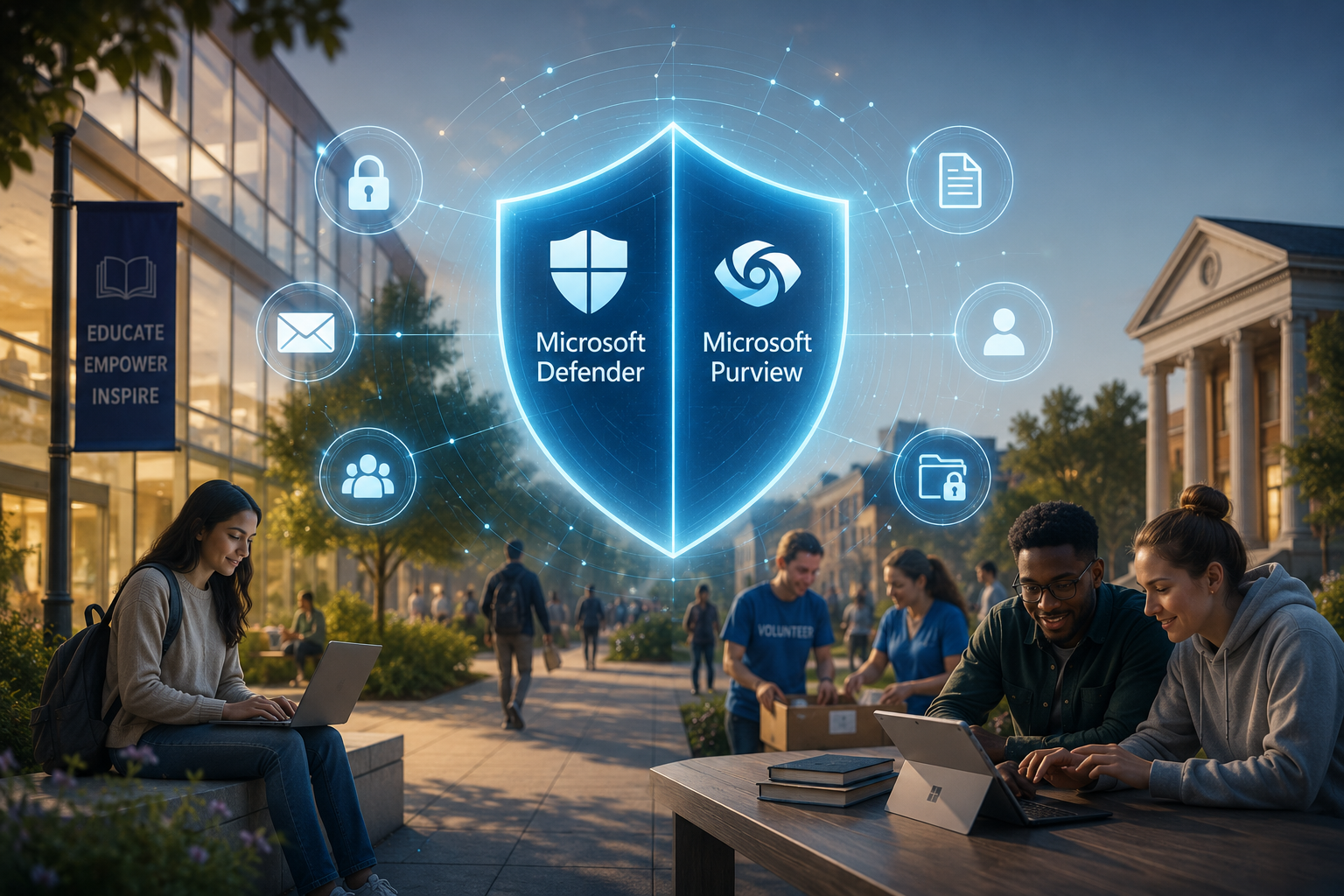
Protecting identities, devices, sensitive information, and institutional trust in an increasingly complex digital environment
Security protects more than technology. It protects the mission, reputation, people, and communities an organisation serves.
Nonprofit organisations and educational institutions exist to make a difference. Whether serving communities, supporting vulnerable beneficiaries, educating students, conducting research, or managing donor-funded programmes, their missions depend on trust. Unfortunately, trust is also one of the first things lost when a cybersecurity incident or data breach occurs.
Many nonprofits and schools assume cybercriminals only target large corporations. The reality is very different. Nonprofits and educational institutions often store some of the most sensitive information imaginable, including donor records, financial data, student information, beneficiary details, staff records, healthcare information, research data, and confidential communications. This makes them attractive targets for cybercriminals.
Microsoft identifies research and academia, as well as think tanks and nongovernmental organisations, among the sectors targeted by nation-state actors. Microsoft also notes that nonprofits can face barriers such as limited resources, legacy systems, fragmented sensitive data, and growing compliance complexity.
To address these risks, Microsoft provides two critical security and compliance solution families: Microsoft Defender and Microsoft Purview. Together, they can help organisations protect identities, devices, email, applications, and data while strengthening governance and compliance. Microsoft's nonprofit security guidance positions Defender and Purview as important parts of an end-to-end security approach.
The Challenges Facing Nonprofits and Educational Institutions
Most nonprofits and educational entities operate under significant constraints:
Limited IT resources and specialist security skills
Restricted cybersecurity budgets
Increasing legal, regulatory, and contractual requirements
Distributed workforces, volunteers, educators, and students
Large and frequently changing user populations
Growing use of cloud applications and collaboration tools
Increasing adoption of artificial intelligence
At the same time, threats continue to evolve. Phishing, ransomware, credential theft, malicious attachments, accidental data sharing, insider risk, and compliance failures can interrupt essential services and expose sensitive information.
For schools, colleges, and universities, the challenge can be especially complex. Educational institutions must protect students, faculty, administration, research, and intellectual property while keeping learning accessible and collaborative. Microsoft's education guidance highlights Defender capabilities that help protect users, devices, email, and collaboration environments and support regulatory requirements.
This is where Microsoft Defender and Microsoft Purview become essential.
Microsoft Defender: Protecting People, Devices, and Identities
Microsoft Defender is a family of security solutions designed to prevent, detect, investigate, and respond to cyber threats across email, endpoints, identities, applications, and cloud environments. For nonprofits and educational institutions, it provides protection against several common attack methods.
Protection Against Phishing Attacks
Email remains one of the most common entry points for cyberattacks. A single phishing email opened by a staff member, volunteer, educator, or student can expose credentials, deliver malware, or provide access to sensitive systems.
Depending on the Microsoft Defender product and licence deployed, relevant capabilities can include:
Protection against malicious links and attachments
Anti-phishing and impersonation protection
Threat investigation and real-time alerting
Automated investigation and response
Attack simulation and security awareness support
For educational institutions, this protection is particularly important because large user populations interact with email, Microsoft Teams, SharePoint, and OneDrive every day. Microsoft states that Defender for Office 365 Plan 2 can help defend students and faculty against phishing, malware, and business email compromise across these services.
Securing Endpoints and Devices
Today's workforce and student population are mobile. Users may access organisational information from laptops, tablets, mobile phones, shared computers, and home networks. Every unmanaged, outdated, or compromised device can increase risk.
Microsoft Defender for Endpoint can help organisations monitor endpoints, identify suspicious behaviour, investigate attacks, and respond to threats. Centralised visibility is especially valuable for institutions with small IT teams because it helps administrators understand risk across multiple devices from one security environment.
Faster Threat Detection and Response
Many organisations discover an attack only after disruption or data loss has occurred. Defender capabilities can bring alerts and incidents together, support investigation, and automate parts of the response process. This can help security teams prioritise the most important issues and act sooner.
For resource-constrained organisations, improving visibility and response is not simply a technical benefit. It can reduce operational disruption, protect service delivery, and allow employees to remain focused on beneficiaries, donors, learners, and educators.
Microsoft Purview: Protecting and Governing Data
While Defender focuses on threats and security incidents, Microsoft Purview helps organisations understand, govern, protect, and manage data. Nonprofits and educational institutions generate large volumes of sensitive information every day.
Examples include:
Student and learner records
Donor and supporter databases
Grant, funding, and financial information
Beneficiary and programme records
Research data and intellectual property
Human resources documentation
Legal and compliance records
The challenge is knowing where this information exists, who can access it, how it is being shared, and whether it is being retained or deleted appropriately. Microsoft describes Purview as supporting data governance, inventory discovery, security, and compliance across cloud, hybrid, and on-premises environments.
Data Classification and Visibility
An organisation cannot protect information it cannot identify. Microsoft Purview can help discover and classify sensitive information, provide visibility into important data, and support policies based on the type and sensitivity of that information.
For example, student identification information, donor banking details, or confidential beneficiary records may require stronger protection than public marketing material. Classification helps the organisation apply more appropriate controls and make data handling expectations clearer to users.
Preventing Accidental Data Loss
Not every incident is caused by a cybercriminal. Sensitive information may be sent to the wrong recipient, shared through an unrestricted link, copied to an inappropriate location, or retained longer than necessary.
Microsoft Purview Data Loss Prevention can help organisations identify sensitive information and apply policies that reduce inappropriate sharing. This can help employees make better data-handling decisions while allowing legitimate collaboration to continue.
Supporting Compliance and Accountability
Nonprofits and educational institutions often need to meet privacy legislation, education-sector requirements, donor conditions, contractual commitments, and internal governance standards. The applicable obligations will differ by country, institution, and type of data processed.
Microsoft Purview provides compliance and governance capabilities that can support information protection, retention, auditing, risk management, and investigation. Technology does not replace legal or compliance advice, but it can give organisations practical tools to implement and demonstrate their policies more consistently.
Why Defender and Purview Work Better Together
Modern cybersecurity cannot be treated as a collection of isolated products. Organisations need coordinated protection across three core areas:
Security layer: Identity — Key question: Who is accessing the organisation’s systems and information?
Security layer: Devices — Key question: Are the devices being used secure, compliant, and free from threats?
Security layer: Data — Key question: What information is being accessed, stored, shared, or transferred?
Microsoft Defender helps secure identities, endpoints, email, applications, and cloud workloads. Microsoft Purview helps discover, classify, protect, retain, and govern data. Together, they support a layered Zero Trust approach in which access is verified, privileges are limited, threats are monitored, and sensitive information is protected throughout its lifecycle.
For nonprofits and educational institutions, this combined approach can support:
Reduced exposure to phishing, malware, and compromised accounts
Better protection of sensitive student, donor, staff, and beneficiary data
Improved visibility across users, devices, and information
More consistent governance and compliance controls
Safer adoption of cloud services and AI
Stronger operational resilience and stakeholder confidence
Security Is No Longer Optional
Cybersecurity is no longer only an IT concern. It is a leadership, governance, operational, and reputational priority.
For a nonprofit, a breach can affect beneficiaries, donors, volunteers, funding relationships, and the organisation's ability to deliver essential services. For an educational institution, it can disrupt teaching, compromise personal information, expose research, and affect students, parents, educators, and the wider community.
A strong security and compliance framework allows these organisations to focus on what matters most: delivering impact and education. Microsoft Defender and Microsoft Purview provide important capabilities for protecting identities, devices, applications, and data. As cloud and AI adoption continues, security and information governance should be designed into the organisation's digital strategy rather than added after an incident.
Organisations that invest in cybersecurity are not simply protecting technology. They are protecting their mission, reputation, institutional knowledge, and the people they serve.
Ready to Strengthen Your Security and Compliance Posture?
Let 4Sight help you take the next step.
Whether you are a nonprofit organisation, school, college, university, charitable foundation, or social impact organisation, we can help you understand how Microsoft Defender and Microsoft Purview fit into your security, compliance, and licensing strategy.
Contact: channel@4Sight.cloud
Microsoft Resources
Security in Microsoft for Nonprofits: https://learn.microsoft.com/en-us/industry/nonprofit/security-overview
Microsoft Security for Nonprofits: https://www.microsoft.com/en-us/nonprofits/security
Microsoft 365 Education: Advanced Security and Compliance: https://learn.microsoft.com/en-us/microsoft-365/education/guide/4-advanced/security/advanced-security-compliance
